
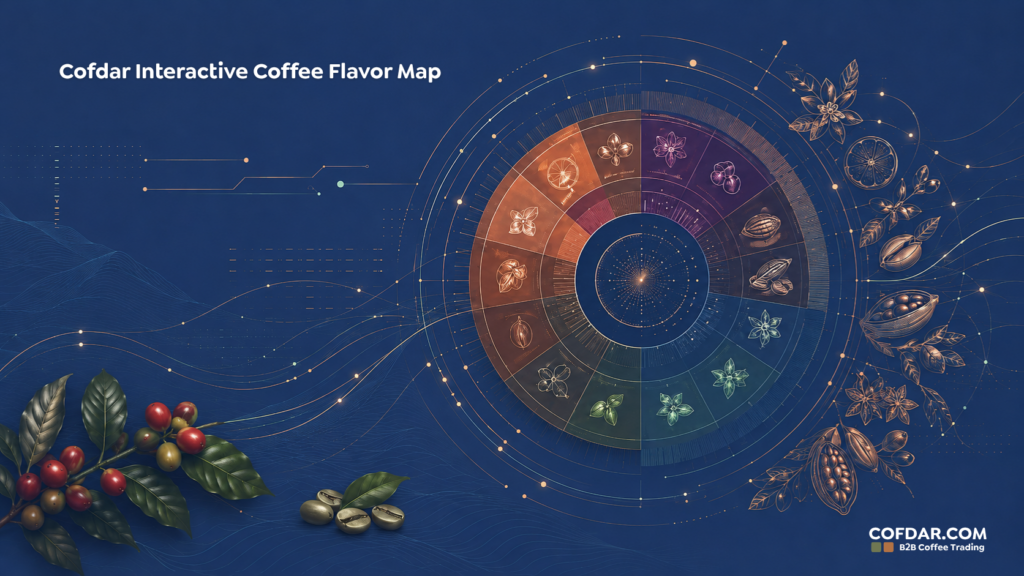
Cofdar Interactive Coffee Flavor Map
More than 100 flavors across 12 families. Choose a family to explore its flavors, or filter by classification, processing, roast level, and position in the sensory profile. For roasters, build a professional description ready for a product page or package.
Arrange flavors across the opening, middle, and aftertaste, then choose the clarity level to generate an English description ready to copy. Use the rotate button on each flavor to move it between positions.
An original Cofdar educational tool that helps users understand and build flavor descriptions. The descriptions are indicative and may vary by origin, variety, processing, roast, and brewing method. The tool is not a substitute for formal sensory evaluation or laboratory analysis.
Cofdar Interactive Coffee Flavor Map
The Cofdar Interactive Coffee Flavor Map helps you explore the aromas, flavors and sensory characteristics found in coffee, from fruit, floral and sweet notes to cocoa, nuts, spices, roast character and sensory defects.
Developed by Cofdar as a practical reference for roasters, baristas, coffee teams and enthusiasts, the tool brings more than 100 descriptors into 12 structured flavor families. Each descriptor includes a concise definition, how it may appear in the cup, where it may commonly occur and a practical tasting cue.
The Language of Coffee Tasting Notes
When a coffee is described with notes such as peach, dark chocolate or jasmine, those words are not intended to mean that these ingredients were added to the coffee. They are sensory references used to communicate aromas, flavors and impressions that tasters perceive in the cup. The Cofdar Coffee Flavor Map helps turn a broad impression such as “fruity” into a more useful description such as “red berries with bright acidity”, making coffee descriptions clearer and easier to compare.
What Is a Coffee Flavor Map?
A coffee flavor map organizes sensory descriptors into related families so that tasters can move from a broad impression to a more specific note. A coffee may first appear fruity, floral, sweet or cocoa-like. From there, the map helps narrow the description toward references such as blueberry, jasmine, caramel, hazelnut or dark chocolate. This structured approach makes sensory language easier to learn, communicate and apply consistently.
The 12 Coffee Flavor Families
Cofdar organizes the map into twelve broad families. Each family contains more specific descriptors that can be explored individually inside the interactive tool.
How Processing and Roast Can Influence Coffee Flavor
Processing and roasting can influence how flavors are expressed, but they should not be treated as fixed rules. Natural processing often produces a more fruit-forward profile and may contribute greater body or fermentative character. Washed coffees are often associated with cleaner acidity and greater clarity in floral and citrus notes, while honey processing may combine characteristics of both. As roast development increases, caramelized, cocoa and roasted notes may become more prominent while delicate origin characteristics can become less pronounced. Origin, variety, processing, roasting and brewing all interact to shape the final cup.
How Roasters Can Use the Coffee Flavor Map
For roasters, a shared sensory vocabulary can support product development, internal tasting sessions, staff training and customer communication. The map can help teams describe coffees more consistently when comparing origins, processing methods or roast profiles. It can also support clearer product descriptions for packaging and online stores. The built-in description builder allows selected notes to be arranged across the opening, middle and finish of the cup and turned into a concise product description ready for further review.
How to Use the Interactive Coffee Flavor Map
Start by choosing one of the flavor families to reveal its descriptors. You can also search directly or filter the map by classification, processing, roast level and position in the flavor profile. Open any descriptor to read its definition, how it may present in the cup, where it may commonly appear and a tasting tip. Add selected notes to the description builder, organize them into the opening, middle and aftertaste, then generate a working product description. You can also use Training Mode to test your familiarity with flavor families and sensory terminology.
Frequently Asked Questions About Coffee Tasting Notes
Quick answers to common questions about flavor descriptors, sensory evaluation and using the Cofdar Coffee Flavor Map.

